


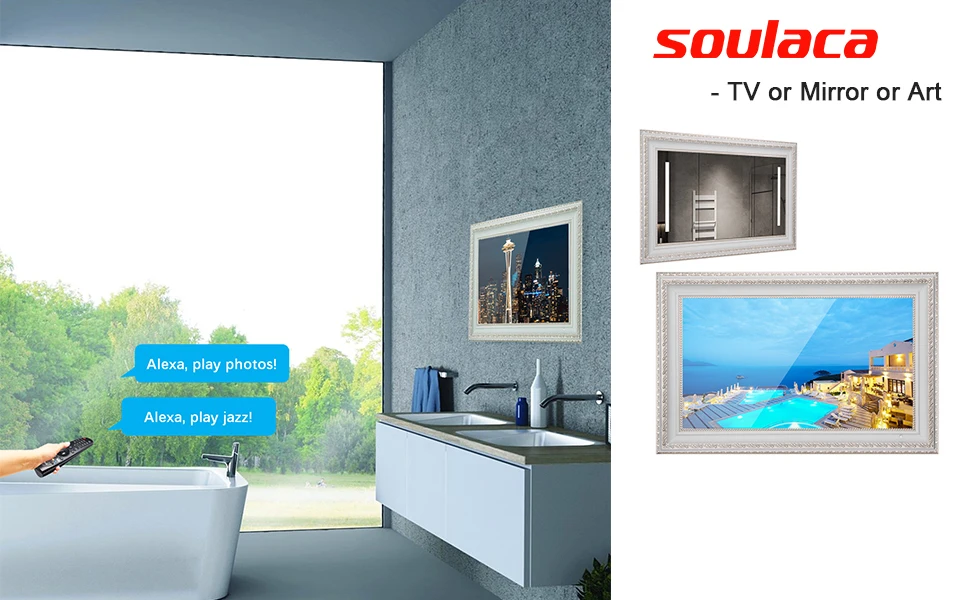
Elegant 3-in-1 Luxury TV – Mirror, Art Display & Full HD Smart TV
Transform any space with the Soulaca 27″ IP65 Waterproof TV – a stunning fusion of technology and design. Whether mounted in your bathroom, living room, or bedroom, this TV seamlessly blends into your decor as a sleek mirror when turned off, a vibrant Full HD TV for entertainment, or a sophisticated art display when not in use.
Key Features:
✅ Triple Functionality – A TV, mirror, and artwork in one, enhancing any room with style and innovation.
✅ IP65 Waterproof & Stylish Design – Safely install in wet areas like bathrooms, thanks to its waterproof Polystyrene frame.
✅ Full HD 1080P with Wide Viewing Angle – Crystal-clear picture quality for an immersive viewing experience.
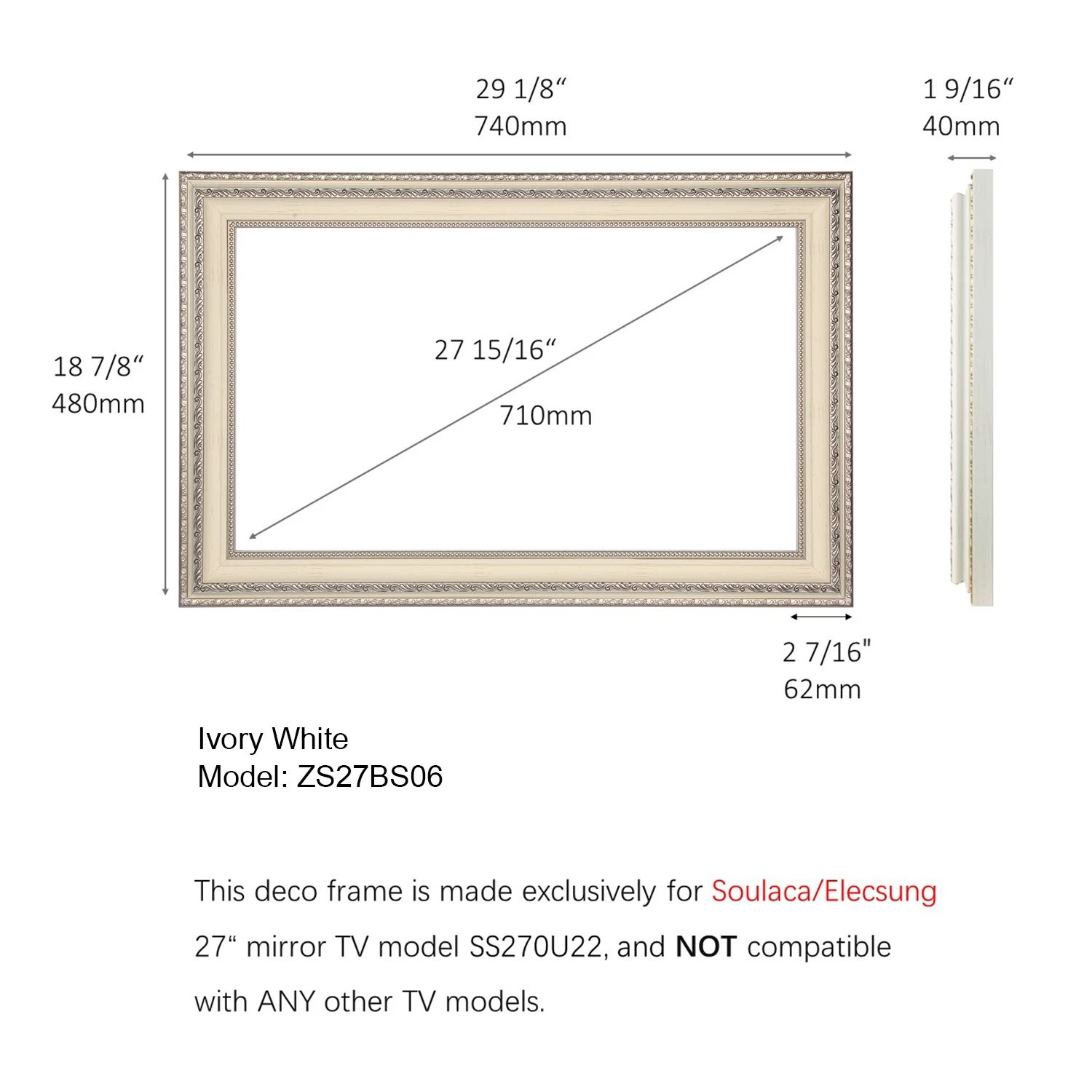
✅ Exclusive Deco Frame – Custom-designed for the 27 inch mirror TV
Smart TV with Cutting-Edge Technology
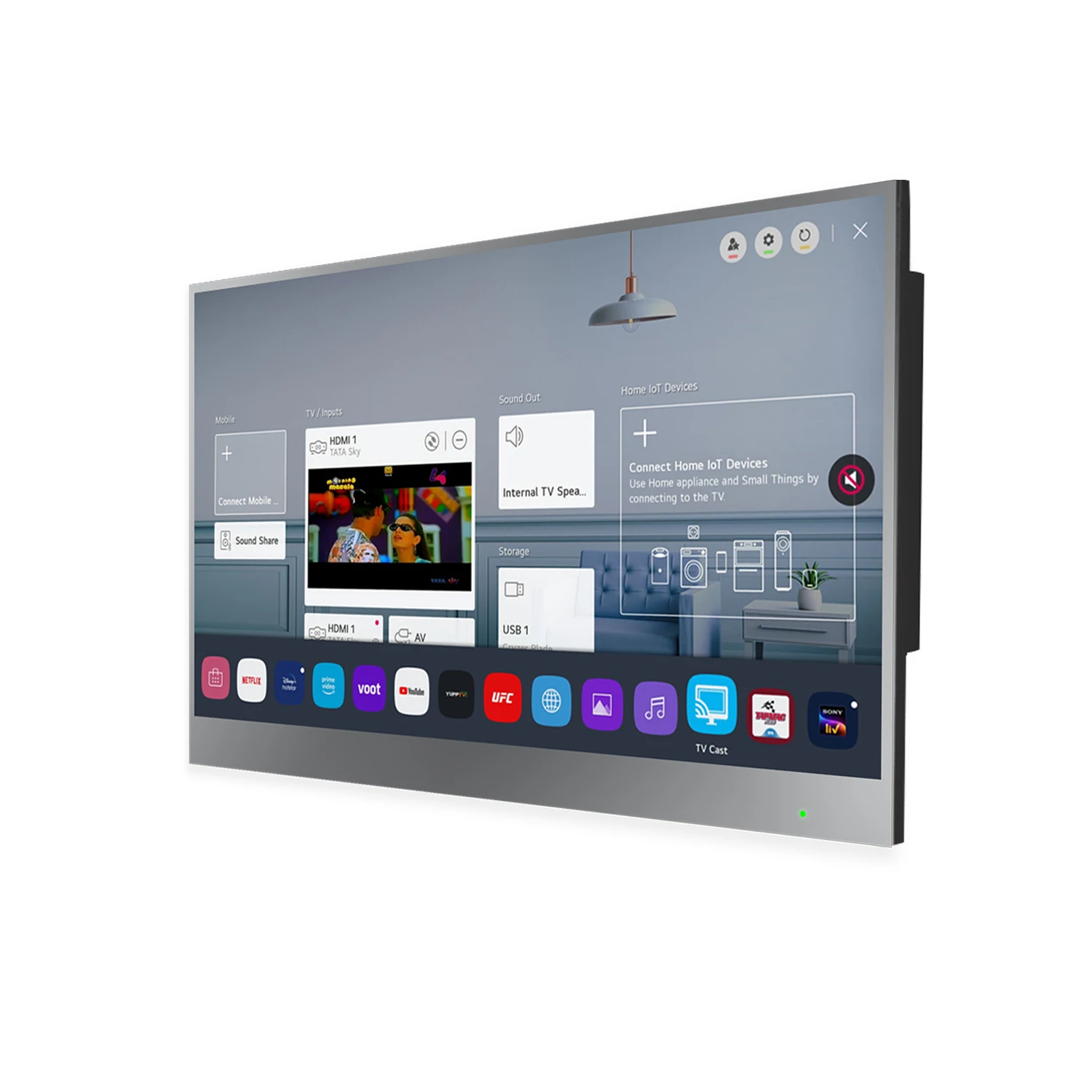
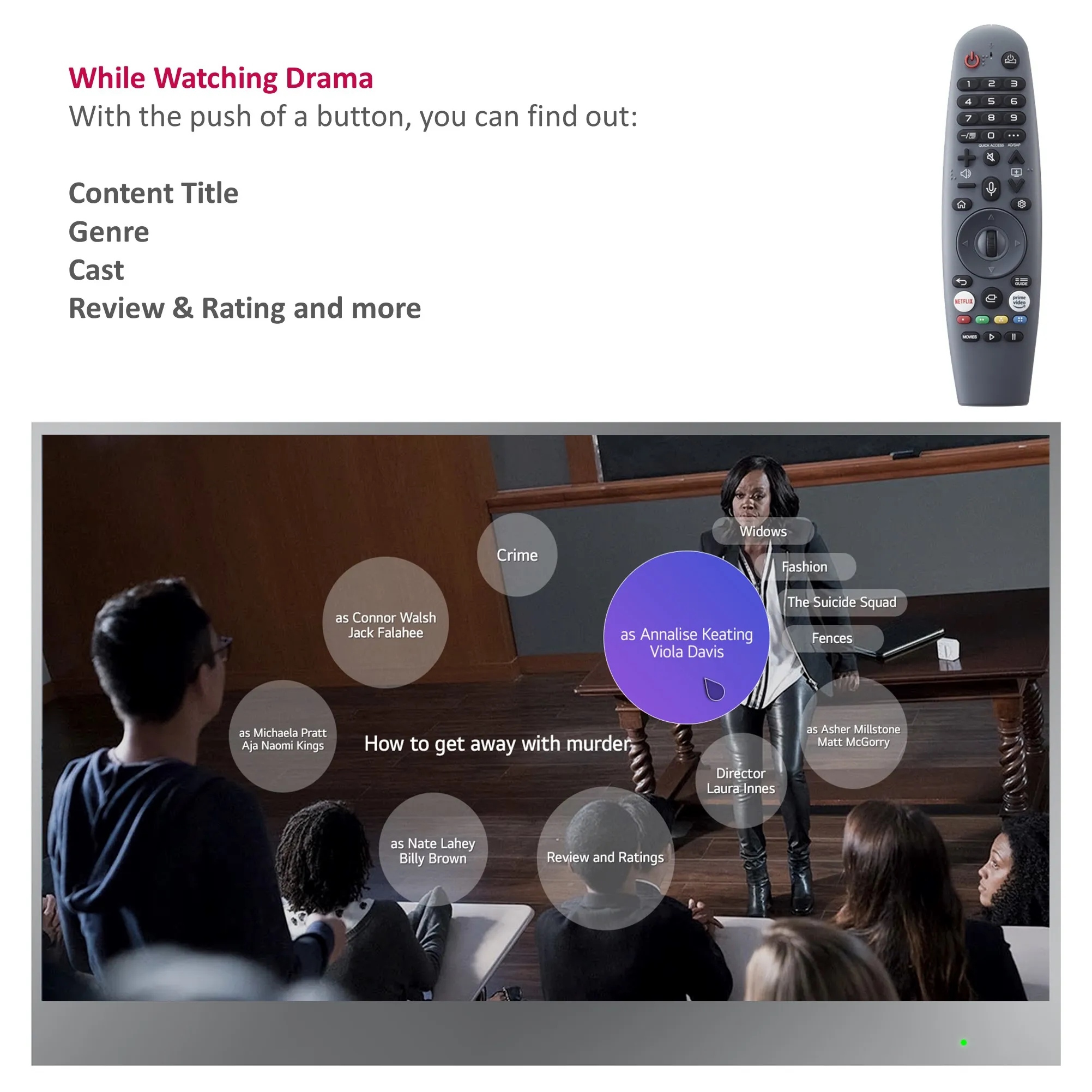
🌟 webOS + ThinQ AI + Voice Control – Enjoy lightning-fast streaming, intuitive navigation, and hands-free control with Alexa compatibility.
🎨 Personalized Art Mode – Display high-resolution artwork or photos when the TV is idle, turning your screen into a digital canvas.
🎮 Air Mouse & Magic Remote – Effortlessly control your TV with motion-sensing precision.
Sleek & Seamless Installation
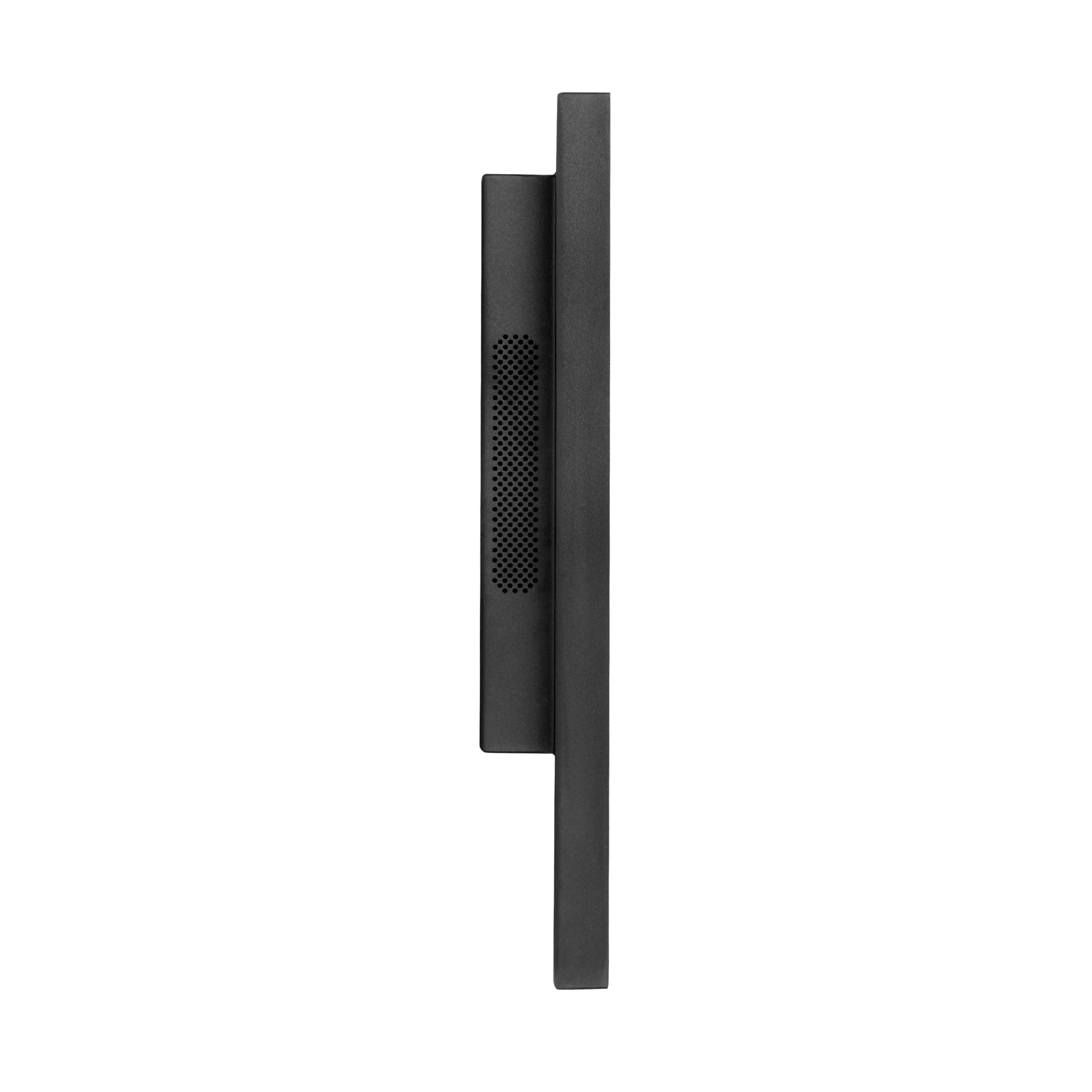
✔ Ultra-Thin (1.57” / 40mm) – Nearly flush to the wall for a minimalist, high-end look.
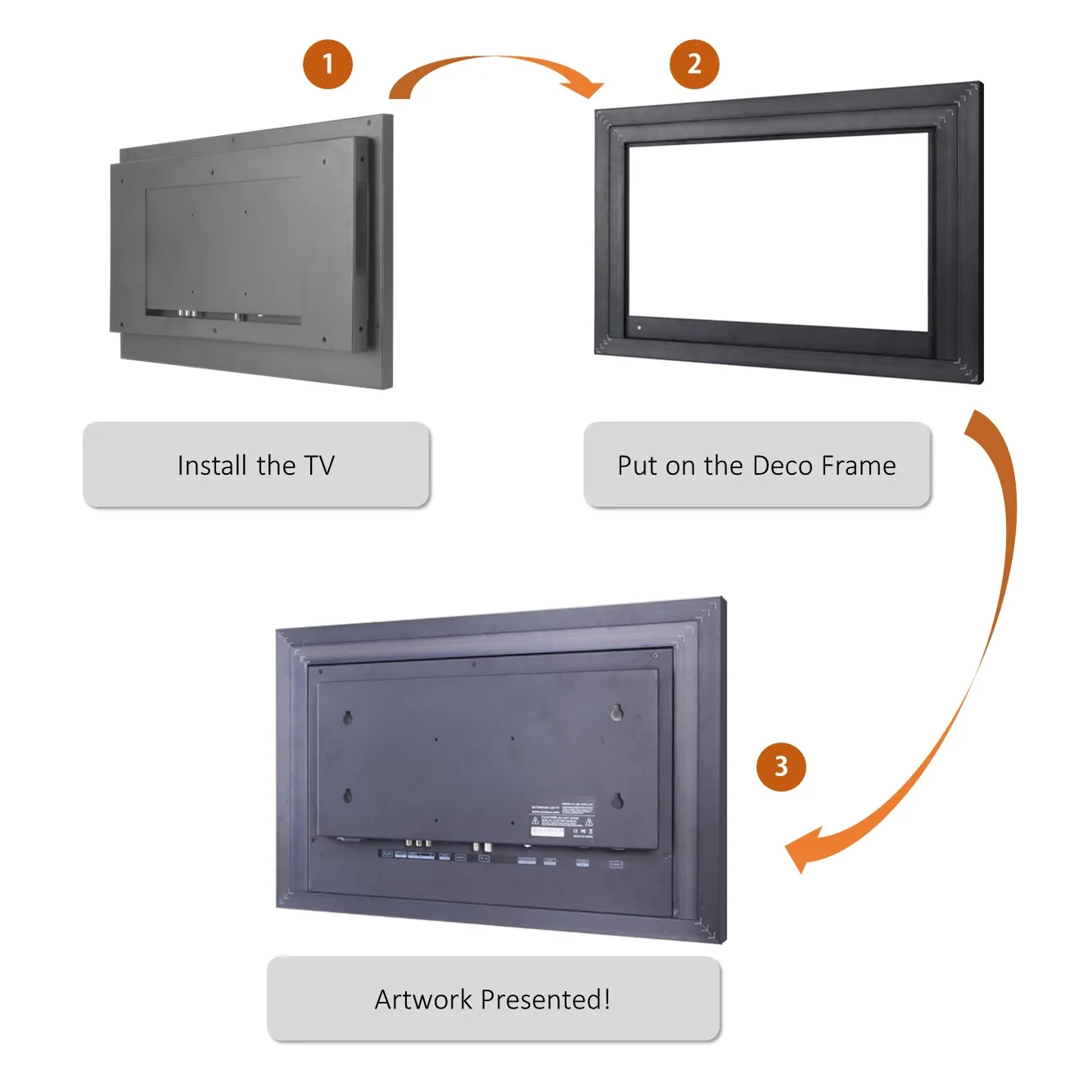
✔ Easy Mounting – Simply align and snap the decor frame into place for a gapless, polished finish.
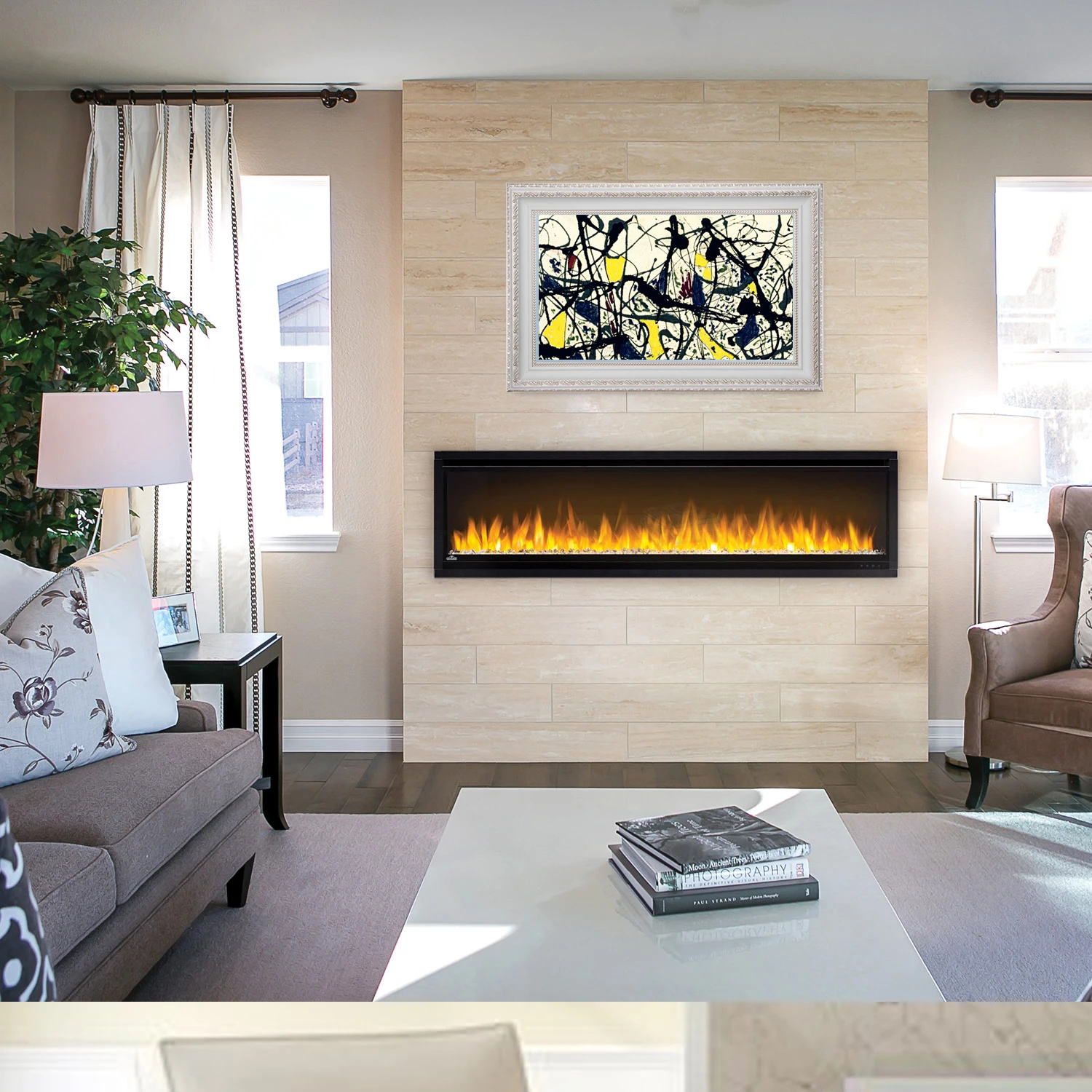
✔ Versatile Placement – Perfect above fireplaces, in gallery walls, bedrooms, kitchens, or bathrooms.
Technical Specifications:
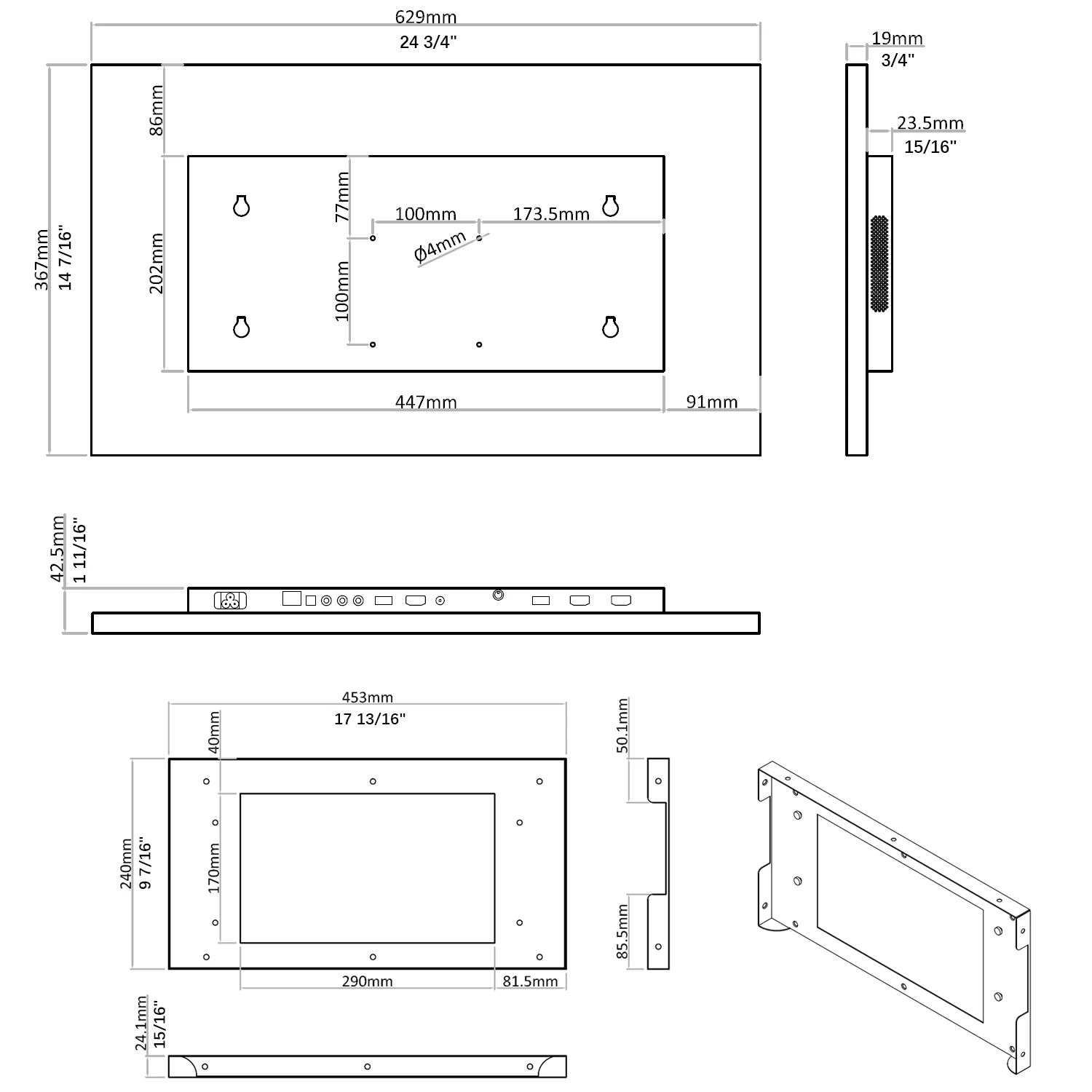
📺 TV Dimensions: 24.8”W x 14.5”H x 1.7”D (629 x 367 x 42.5 mm)
🖼️ Frame Size: 29.1”W x 18.9”H x 1.6”D (740 x 480 x 40 mm)
🔌 Recessed Wall Fit: 17.8”W x 9.4”H x 0.94”D (453 x 240 x 24.1 mm)
Upgrade your home with a TV that’s more than just a screen—it’s a statement piece.
Notice: This model only available in the Europe or North America.
PRODUCT DETAILS:
A smart mirror, also commonly known as a magic mirror, is a transparent mirror that displays information. The display screen, which is hidden by the reflection of the glass, is a TV. Using the software downloaded from the internet, smart mirror can provide up to date information on the weather, calendar events, news, social media and more.

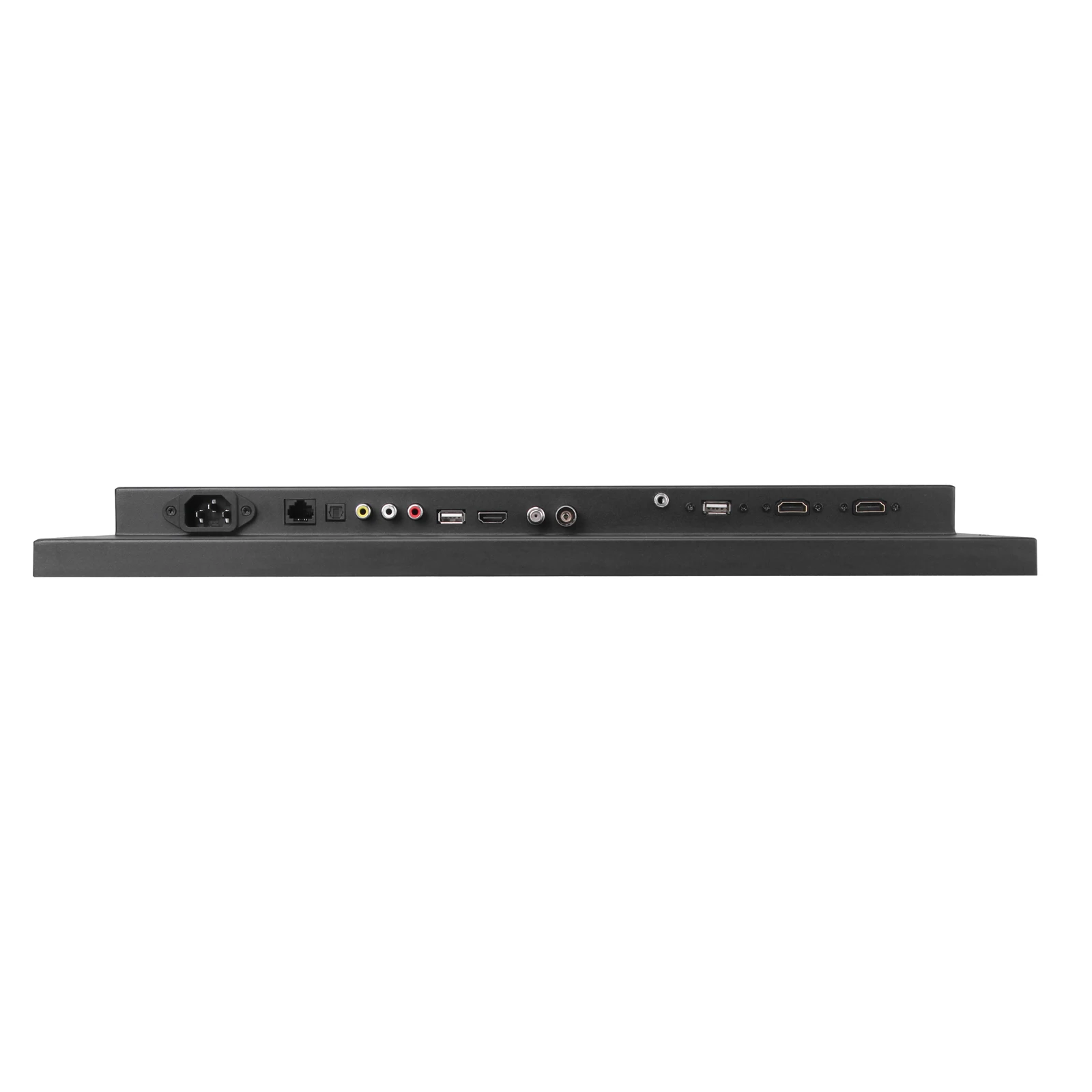

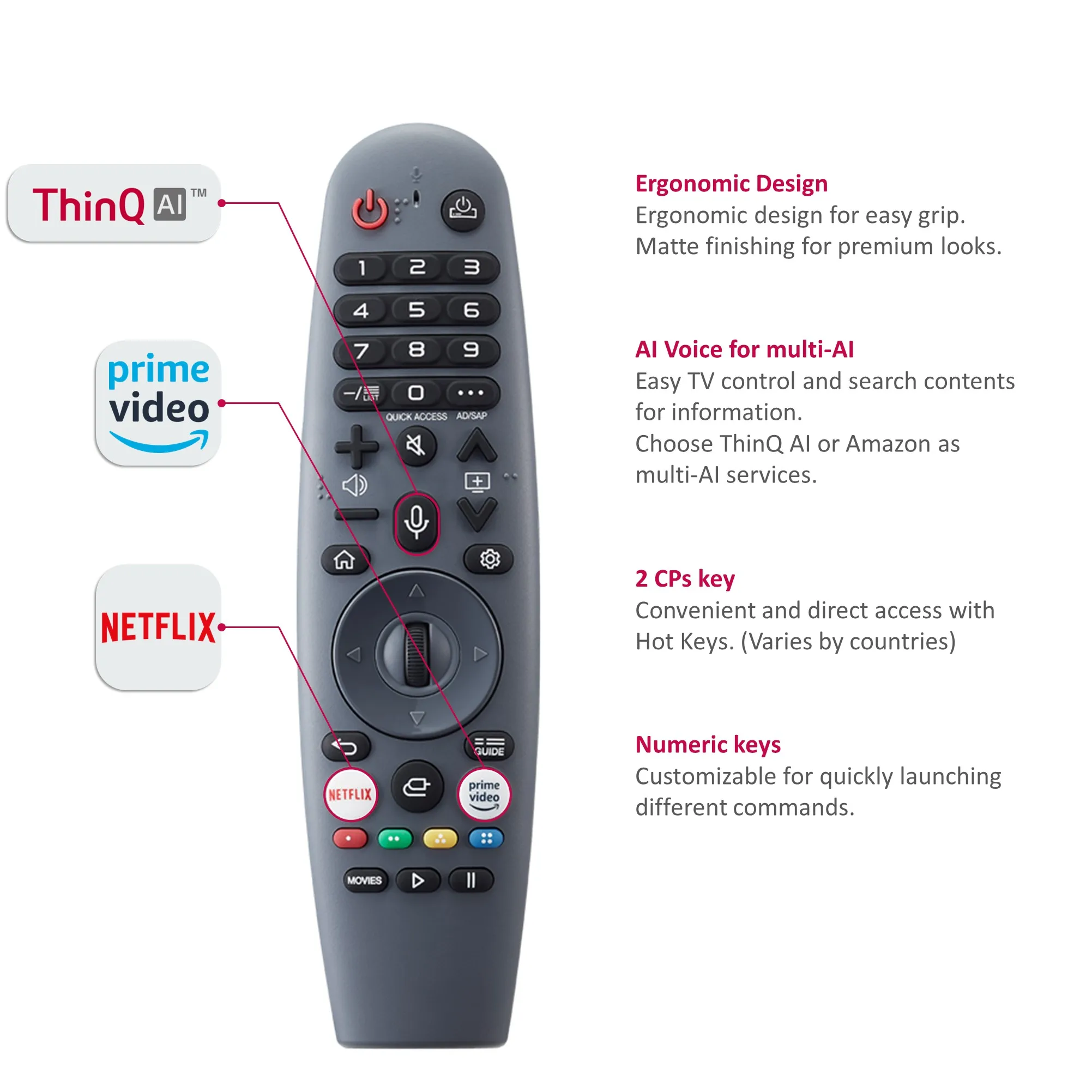
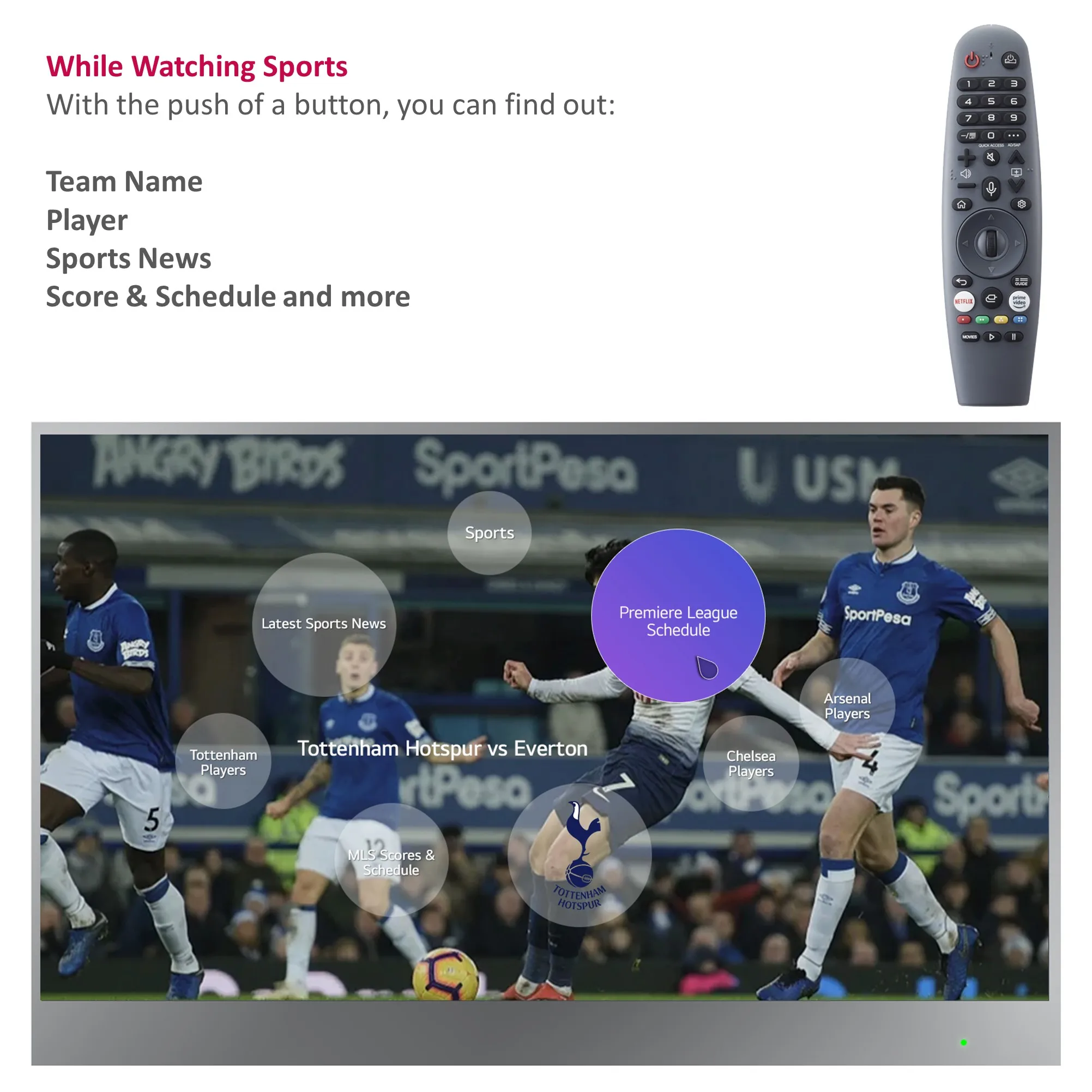
- The Magic Remote acts as a universal remote. And you can use voice commands, air mouse control and click wheel to manage your entertainment and apps.
- You can simply click, point, scroll or use voice commands to change the channel, search for something new, and more. Spend less time navigating confusing menus and juggling multiple remotes, and more time enjoying your entertainment.
- You just need to shake the Magic Remote left and right to turn on the pointer, and press the up, down, left or right buttons to turn it off.
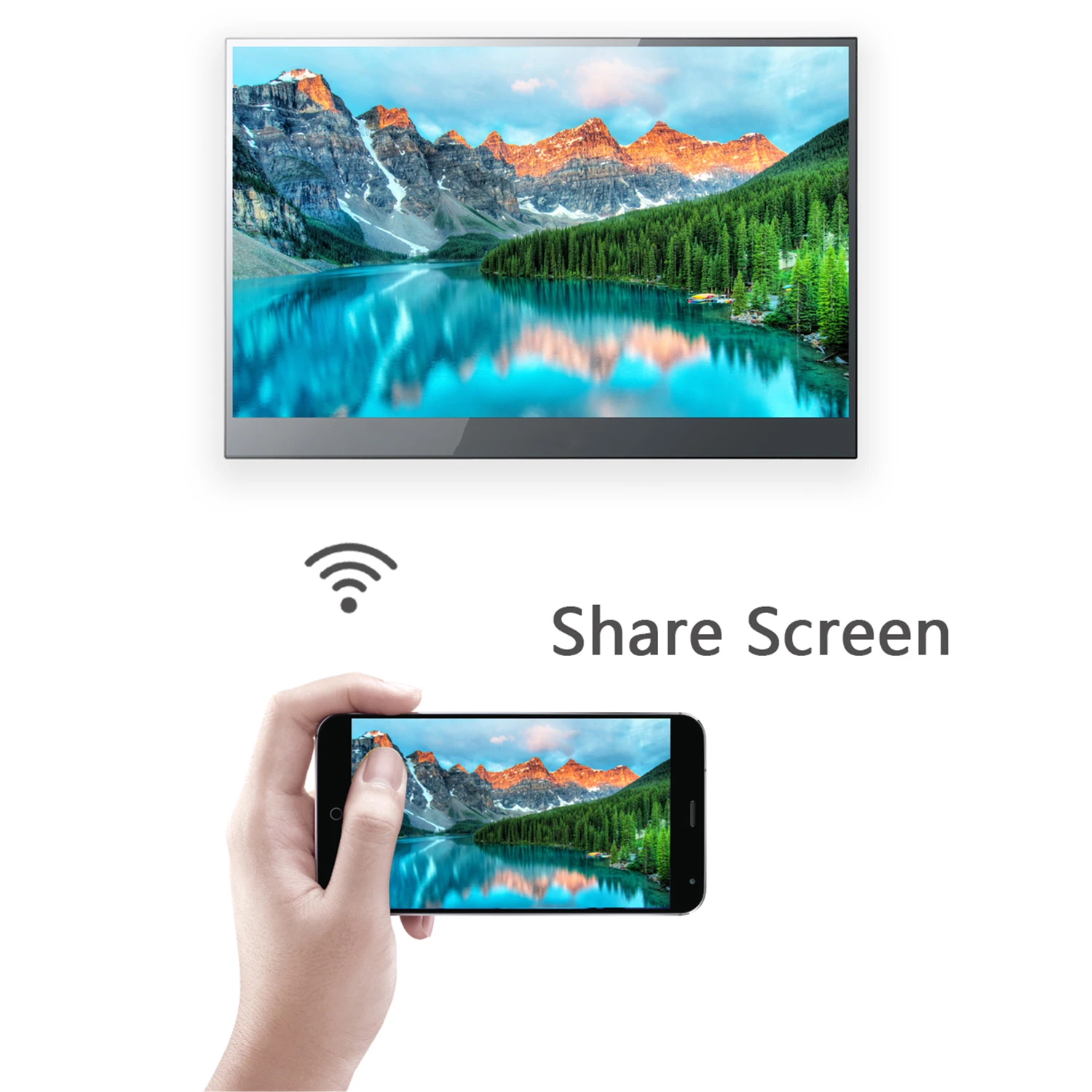
- Through the remote app, you can also control your Smart TV with your phone or tablet.
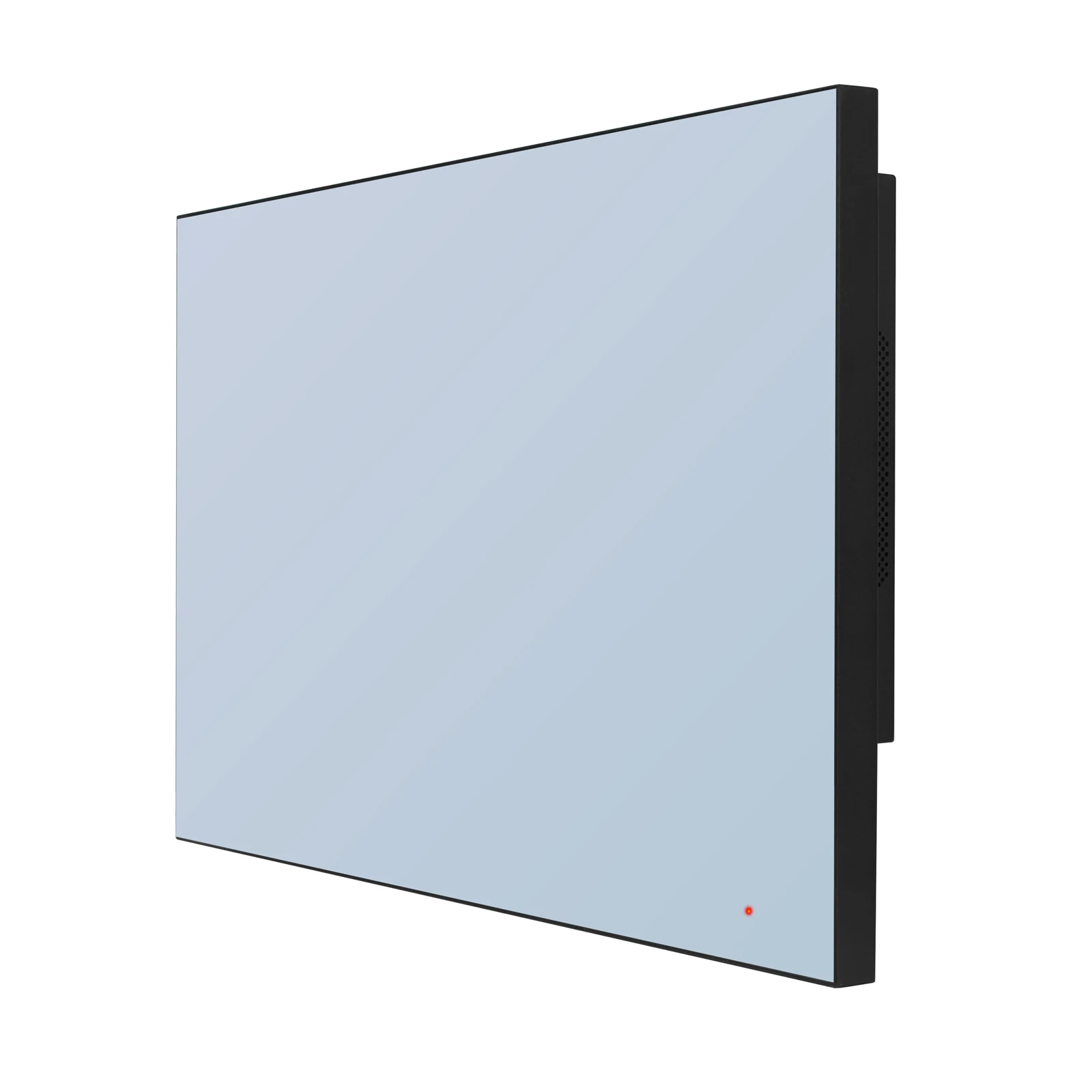
It’s a TV when Turned OnIt’s a Mirror when Turned Off:



INSTALLATION:
3 optional methods provided to accommodate TV installations
Option 1: In-wall with Embedded Bracket
Option 2: On-wall with Embedded Bracket
Option 3: On-wall with VESA Bracket
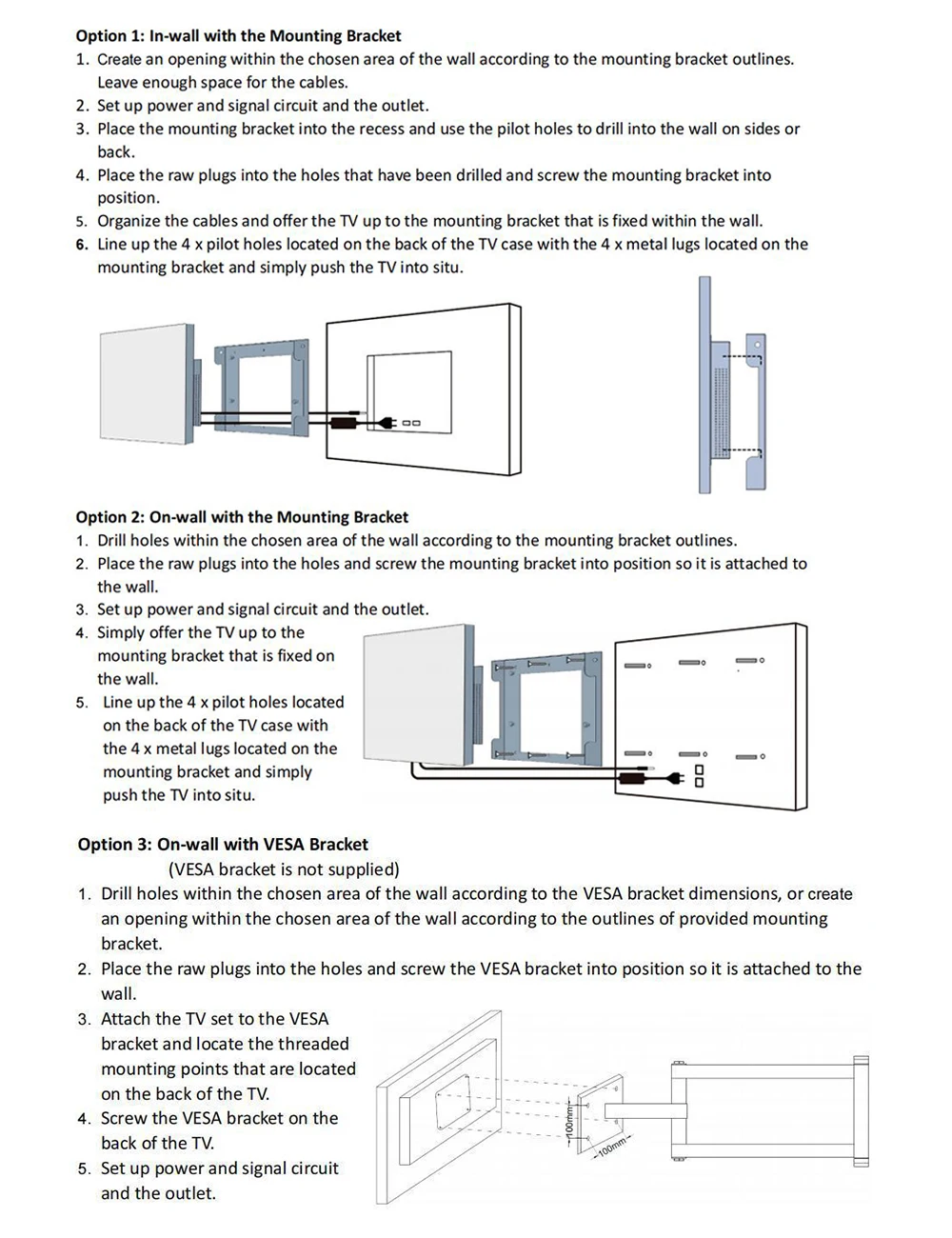
Option 1: In-wall with Embedded Bracket
Create an opening within the chosen area of the wall according to the Embedded Bracket outlines. Leave enough space for the cables and adapter.
Set up power and signal circuit and the outlet.
Place the Embedded Bracket into the recess and use the pilot holes to drill into the wall.
Place the raw plugs into the holes that have been drilled and screw the Embedded Bracket into position.
Organize the cables and offer the TV up to the Embedded Bracket that is fixed within the wall.
Line up the 4 x metal lugs located on the sides of the TV case with the 4 x channels located within the Embedded Bracket and simply push the TV into situ.
Option 2: On-wall with Embedded Bracket
Drill holes within the chosen area of the wall according to the Embedded Bracket outlines.
Place the raw plugs into the holes and screw the Embedded Bracket into position so it is attached to the wall.
Set up power and signal circuit and the outlet.
Simply offer the TV up to the Embedded Bracket that is fixed on the wall.
Line up the 4 x metal lugs located on the sides of the TV case with the 4 x channels located within the Embedded Bracket and simply push the TV into situ.
Option 3: On-wall with VESA Bracket (Not Included)
Drill holes within the chosen area of the wall according to the On-wall VESA Bracket dimensions.
Place the raw plugs into the holes and screw the On-wall Bracket into position so it is attached to the wall.
Place the TV screen down on a soft, flat surface, and locate the threaded mounting points that are located on the back of the TV.
Screw the 2 rails on the back of the TV.
Set up power and signal circuit and the outlet.
Simply offer the TV up to the On-wall Bracket that is fixed on the wall. Hook the 2 rails over the On-wall Bracket.
ACCESSORIES:
1. Embedded/On Wall Bracket
2. Power Cord (With Leakage Breaker)
3. Magic Remote, Remote Waterproof Silica Gel Cover
4. Remote Holder
5. Manuals (English, Spanish)
6. Frame (According to your option)
Note: Without batteries supplied in the packaging for the remote control. Battery Model Needed: 2 PCS AA Size Batteries


FAQ
The waterproof TV is a completely sealed design, engineered for use in wet areas. It is rated IP65 or higher and can withstand not only moisture, but also water from any direction.
For the models that are designed to be installed and recessed into your wall. It therefore requires a cavity to be cut into your wall, with size of cavity depend on the size of television you purchase. It is recommended that power and input cables are made available adjacent to the cavity opening inside the cavity. This will give you a seamless looking installation.
The on-wall mount method use mounting hardware and are therefore relatively simple to install.








Reviews
There are no reviews yet.