


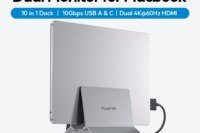
Docking Station Dual Monitor Designed for Mac Laptops
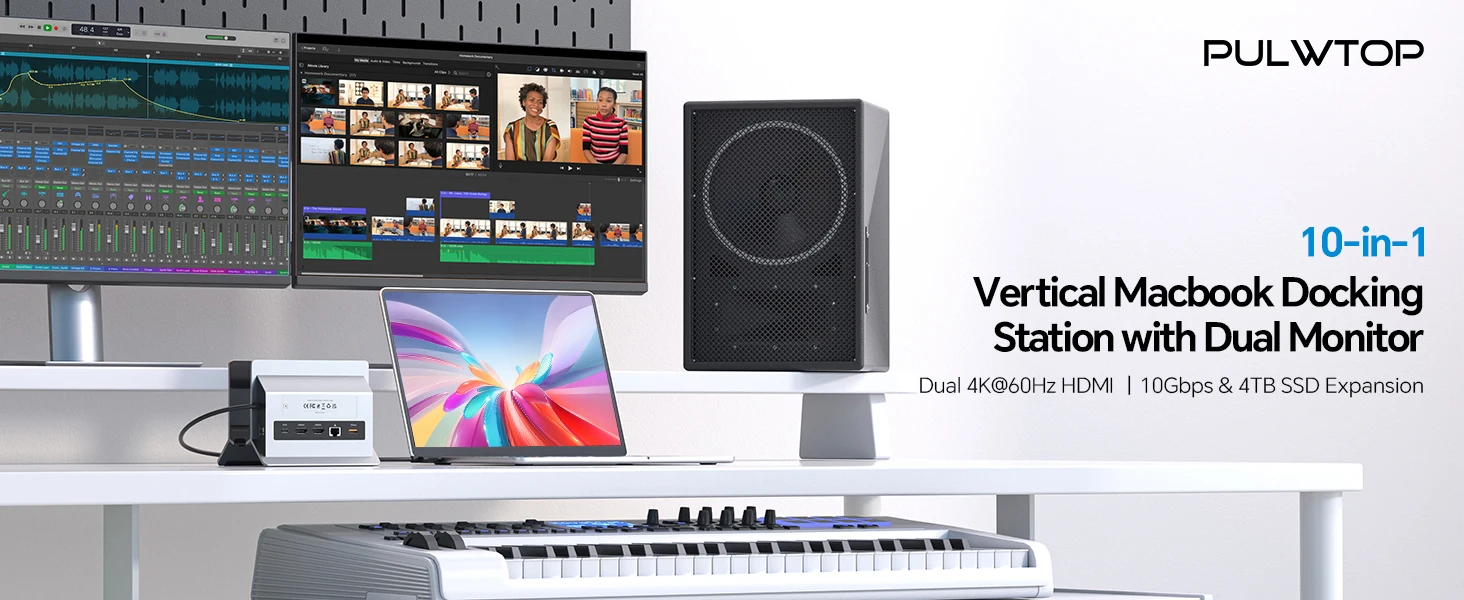
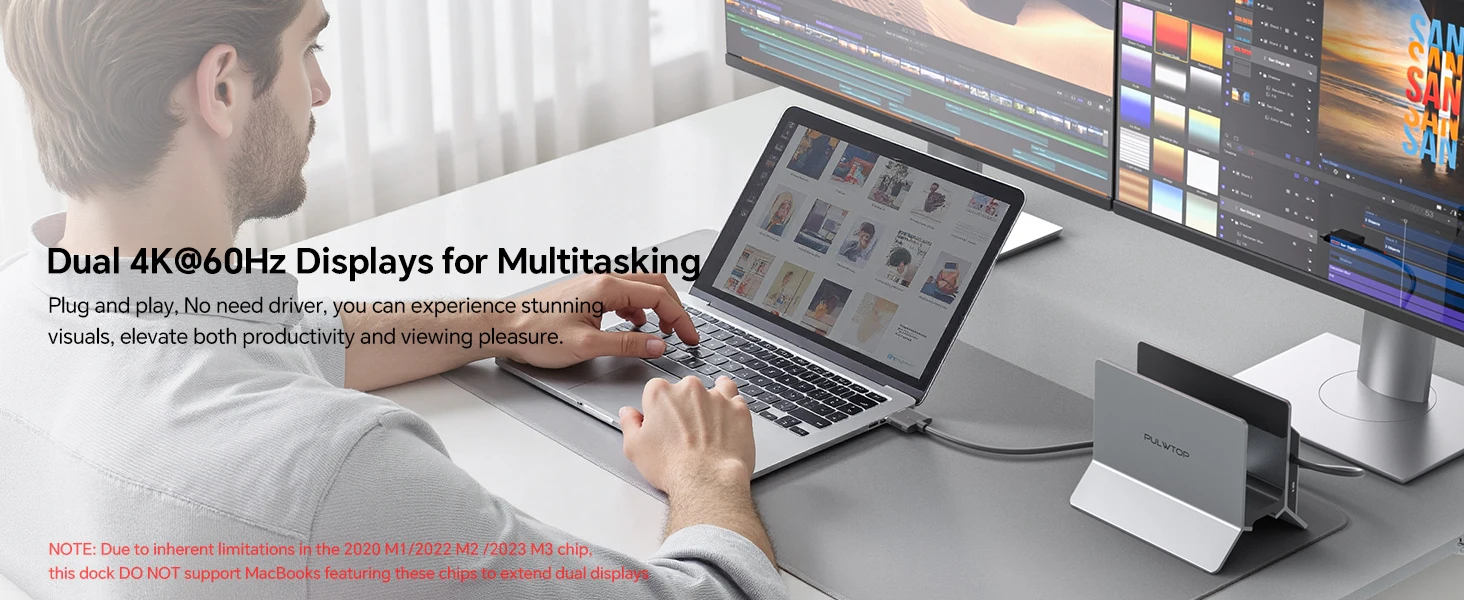
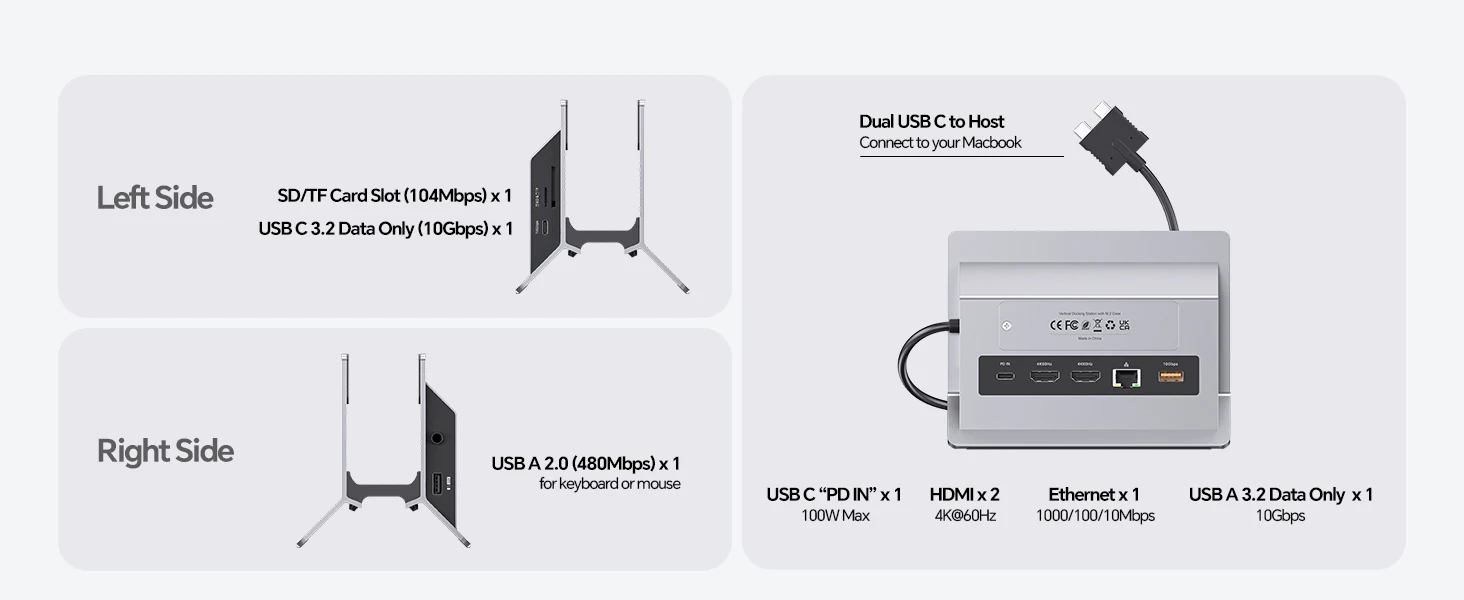
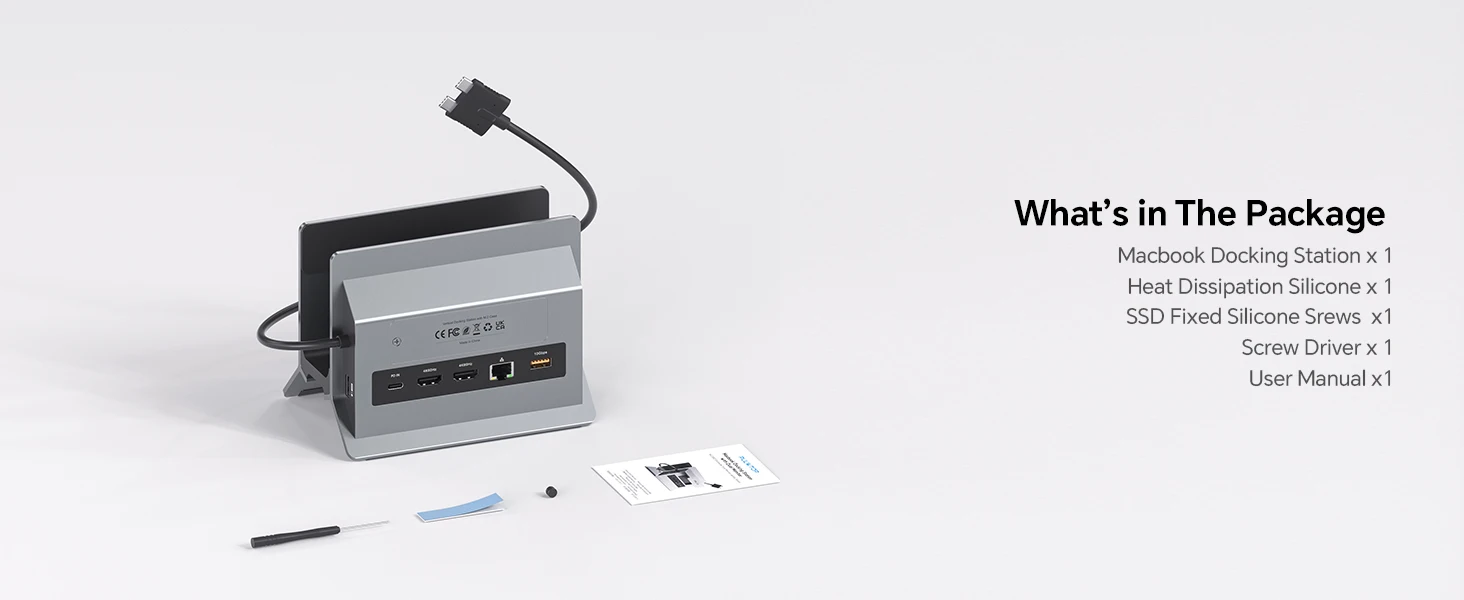
A laptop docking station with Dual USB-C 3.2 GEN2 & 10Gbps input, ONLY compatible with some MacBook Pro & MacBook Air models to enhance connectivity and functionality. Input: Dual Type-C 3.2 GEN2 & 10Gbps input, Max 100W PD IN ports, outputs: 2 HDMI 4K@60Hz, M.2 NVMe SSD expansion 10Gbps, USB C Gen2 10Gbps, USB A Gen2 10Gbps, RJ45 wired Gigabit Ethernet, USB A 2.0 and SD/Micro SD card readers. ★NOTE: 1) DO NOT support display via the USB-C port; 2) PD power adapter & power cable is NOT Included
COMPATIBILITY
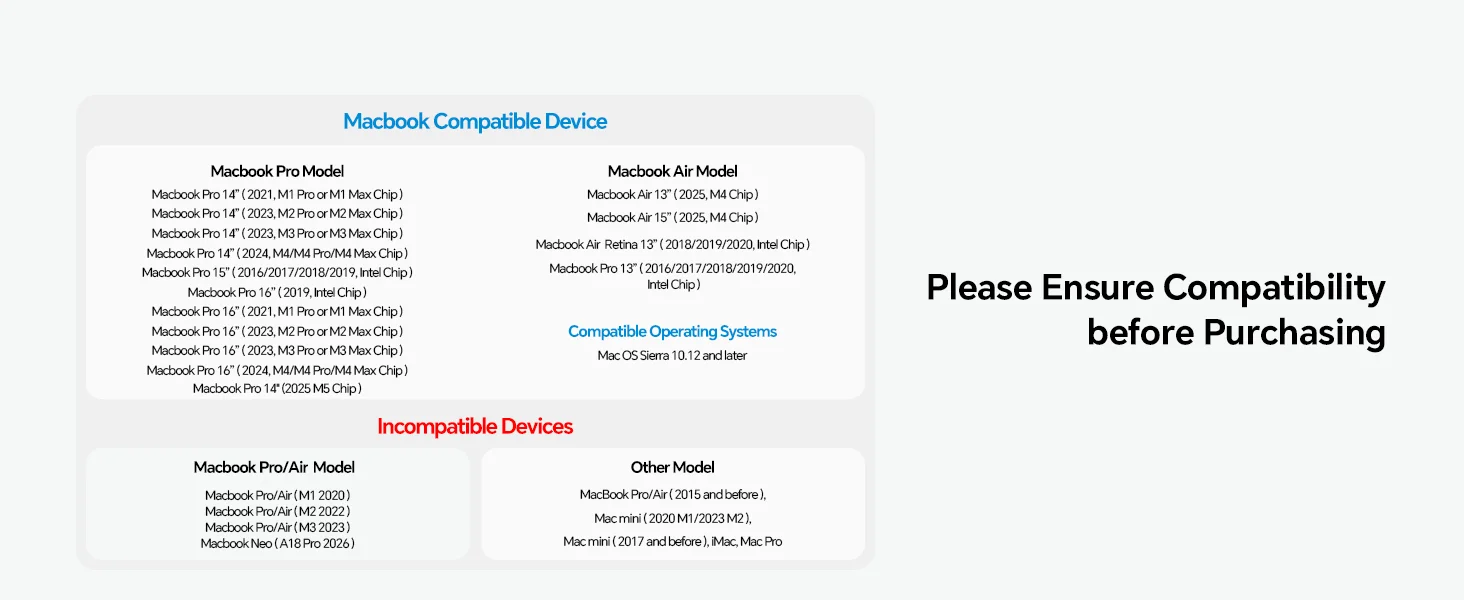
ONLY extend dual monitors for MacBook Pro 14”(2026 M5 Chip, M5 Pro or M5 Max chip, 2024 M4 chip, M4 Pro or M4 Max chip, 2023 M3 Pro or M3 Max chip, 2023 M2 Pro or M2 Max chip, 2021 M1 Pro or M1 Max chip); MacBook Pro 16”, ((2026 M5 Chip, M5 Pro or M5 Max chip, 2024 M4 chip, M4 Pro or M4 Max chip, 2023 M3 Pro or M3 Max chip, 2023 M2 Pro or M2 Max chip, 2021 M1 Pro or M1 Max chip), MacBook Air(13-inch/15-inch, 2025)M4 chip, MacBook Pro 13” (2020,2019,2018,2017,2016 Intel). MacBook Pro 16” (2019, Intel). MacBook Pro 15” (2019,2018,2017,2016 Intel ), MacBook Air (Retina, 13-inch, 2020/2019/2018) Intel chip. ★NOTE: This Macbook Pro docking Station is NOT compatible with M1/M2/M3 Chips/ Macbook Neo (A18 Pro 2026) and Windows Laptops.
MacBook Pro Docking Station Supports 4TB M.2 SSD Expansion
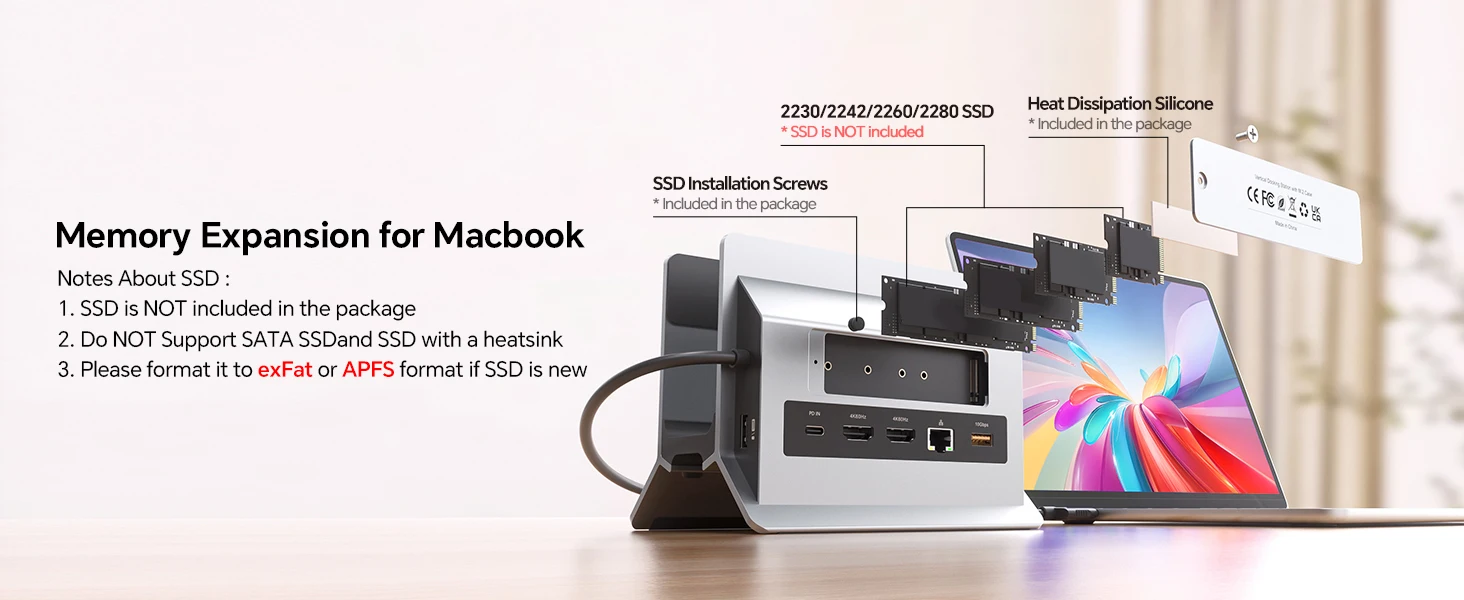
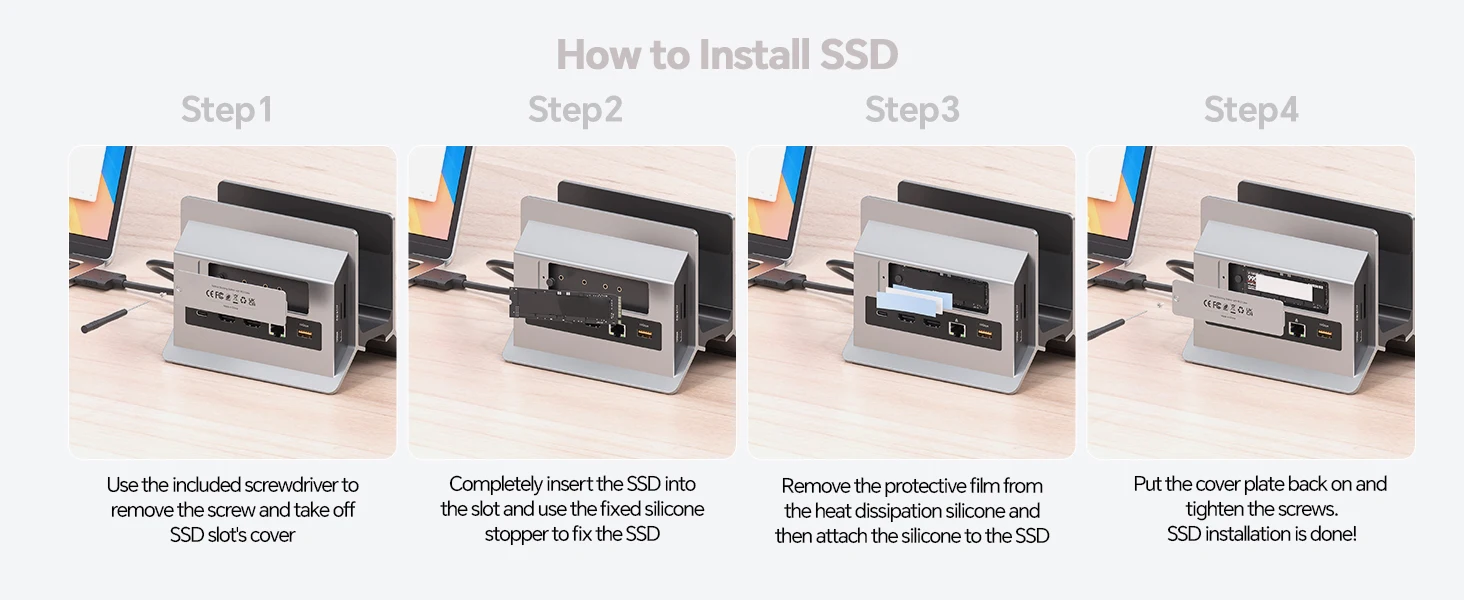
The vertical MacBook docking station 2 monitors supports M.2 SSD expansion up to 4TB and transfer speed up to 10Gbps. Compatible with PCIe NVMe M.2 SSD in sizes of 2230/ 2242/ 2260/ 2280. Easy to expand the external hard drive to meet the insufficient storage needs of your Macbook. ★NOTE: 1). SSD is NOT included; 2). NOT support SATA SSDs and SSDs with heat sinks; 3) If your SSD are new, please format your new SSD into “exFat” or “apfs” format
MacBook Pro Docking Station Supports 4TB M.2 SSD Expansion
The vertical MacBook docking station 2 monitors supports M.2 SSD expansion up to 4TB and transfer speed up to 10Gbps. Compatible with PCIe NVMe M.2 SSD in sizes of 2230/ 2242/ 2260/ 2280. Easy to expand the external hard drive to meet the insufficient storage needs of your Macbook. ★NOTE: 1). SSD is NOT included; 2). NOT support SATA SSDs and SSDs with heat sinks; 3) If your SSD are new, please format your new SSD into “exFat” or “apfs” format
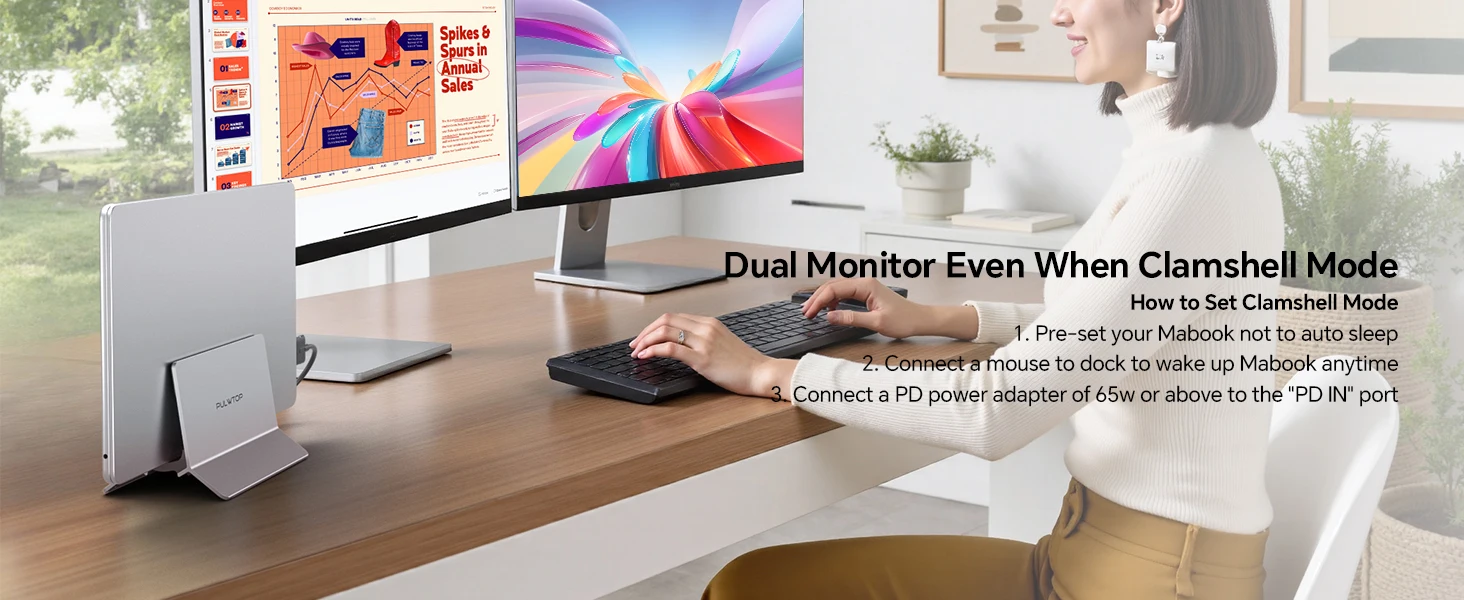
Steps of Clamshell Mode
① Go to Applications → Utilities and open Terminal. ② Enter the following command and press Enter : sudo pmset -a disablesleep 1 ③ Insert administrator password and press Enter again. Once these steps are completed, you can use dual displays while your MacBook is in clamshell mode (lid closed).✳️ Important Notes: ① If the external display still doesn’t show any output after running the command, restart your MacBook. ② To revert to the default sleep behavior (which will disable clamshell mode), run the following command instead: sudo pmset -a disablesleep 0
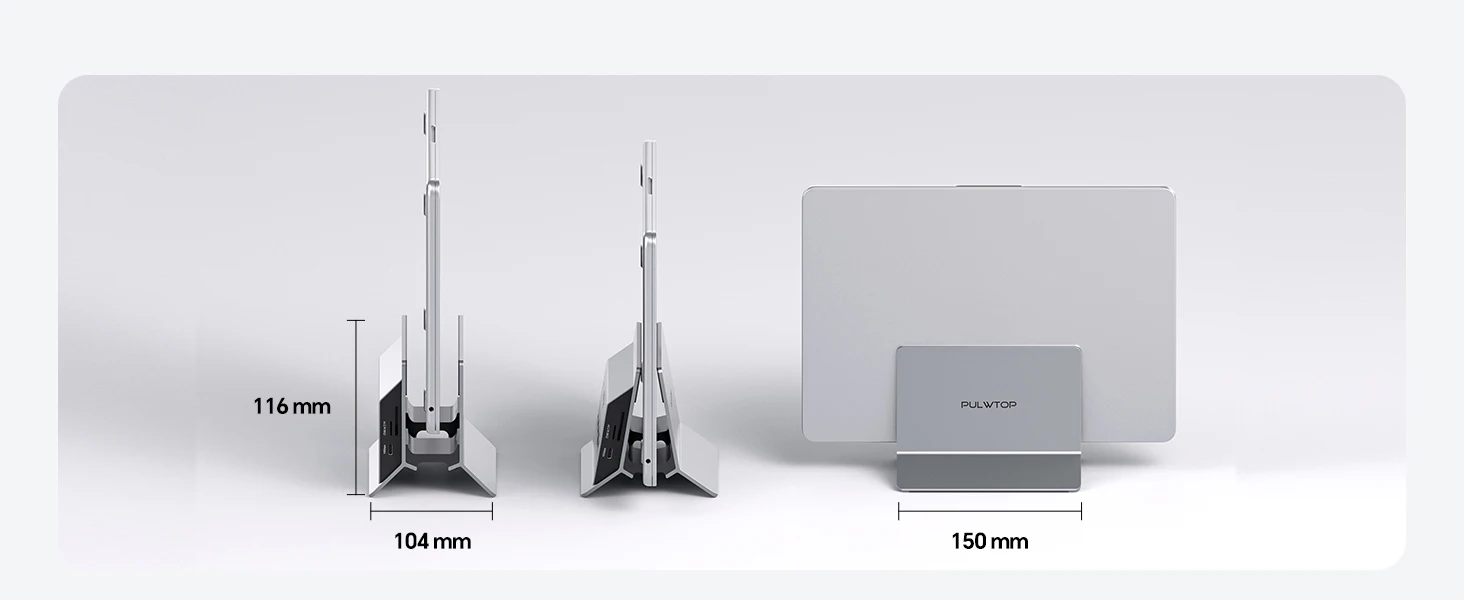
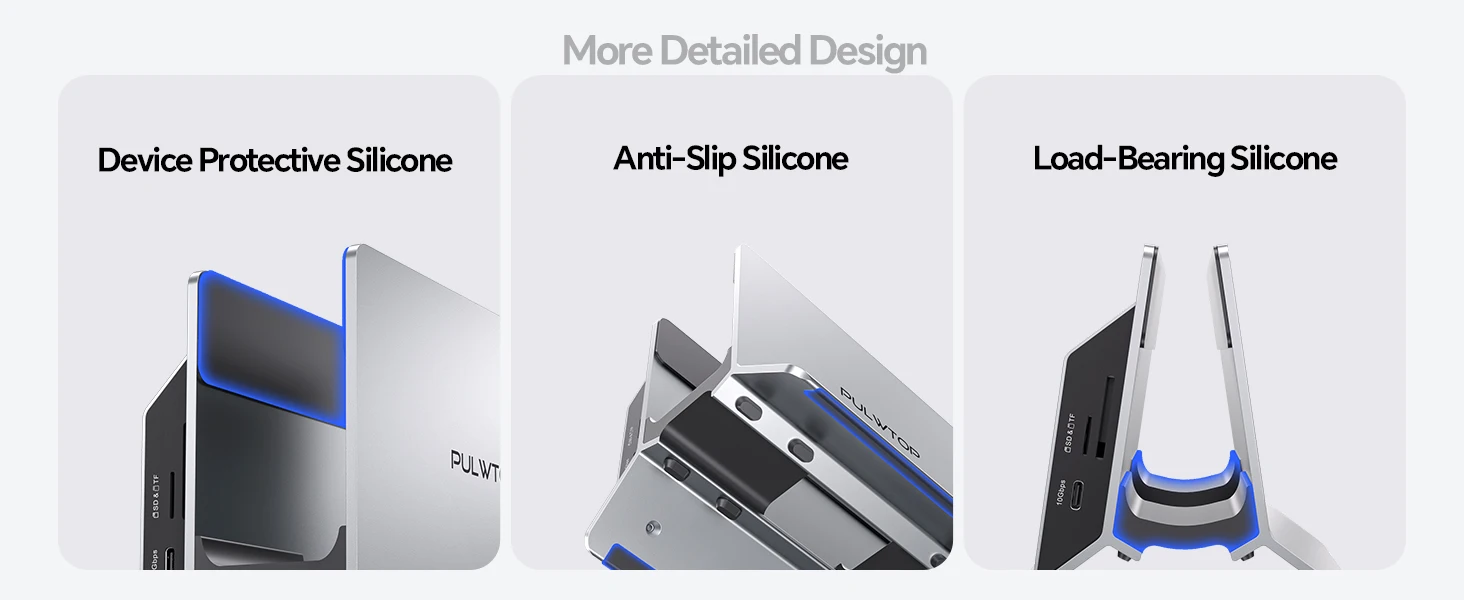
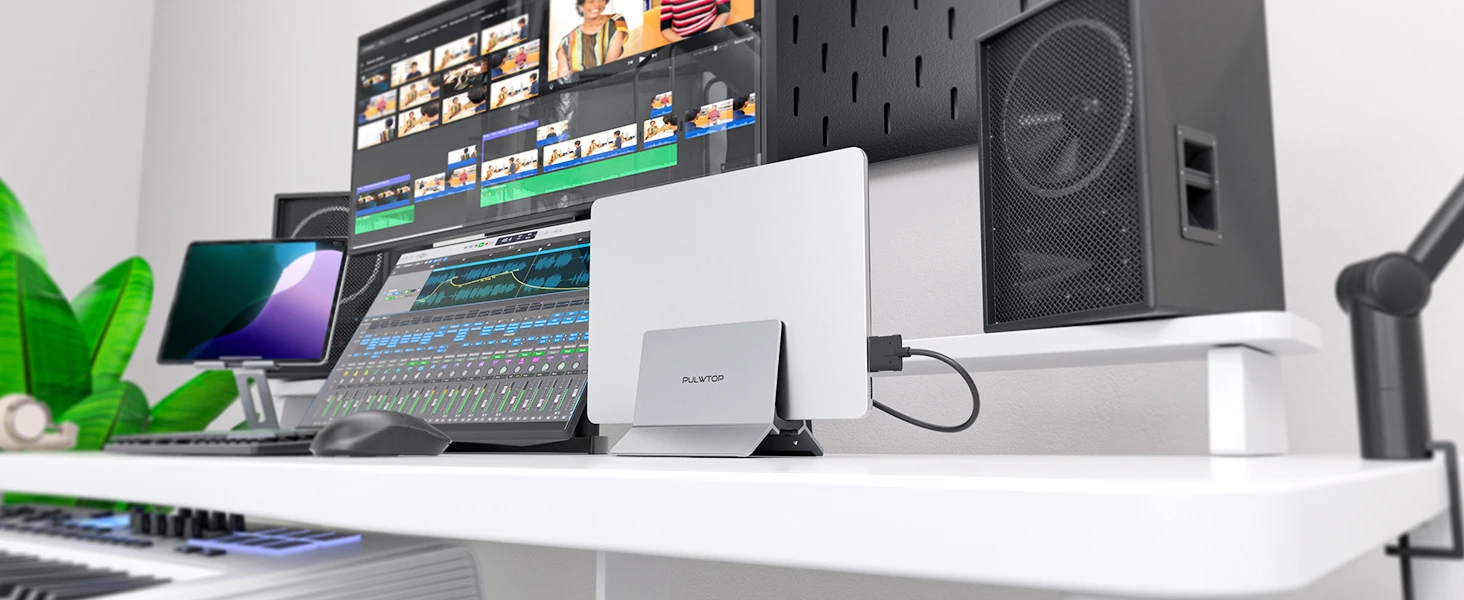
Vertical Macbook Doc Stand with Versatile Multi-port
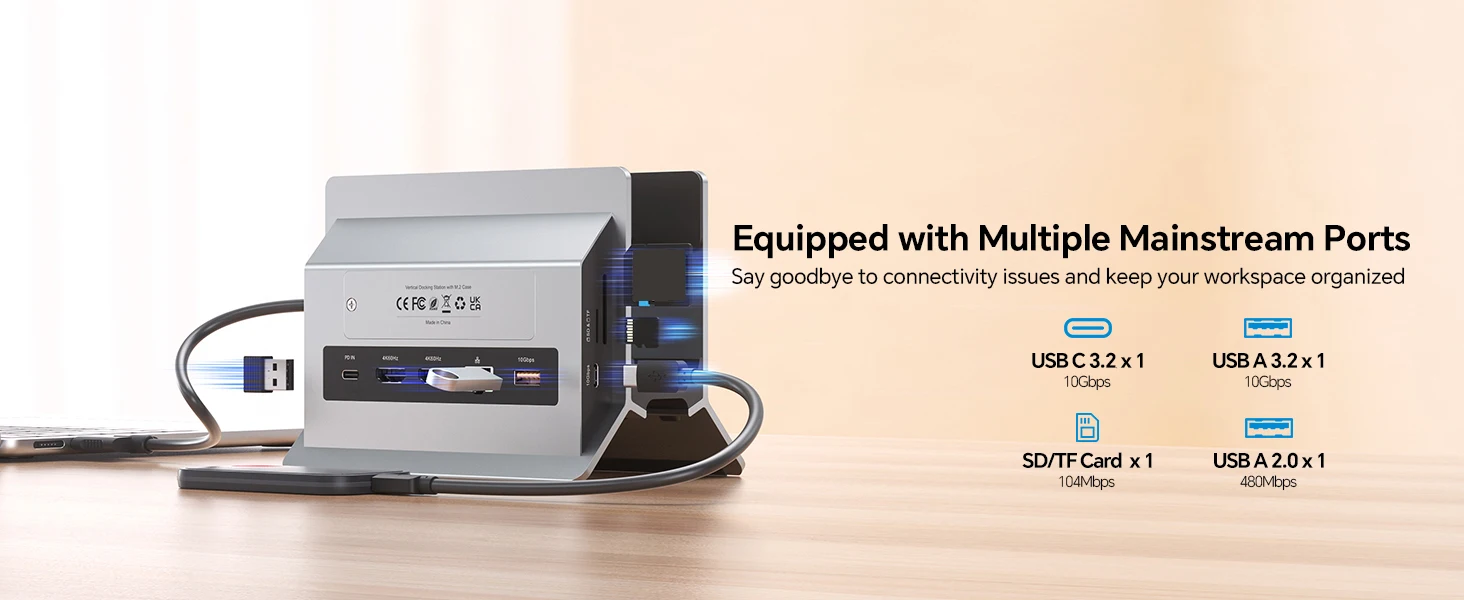
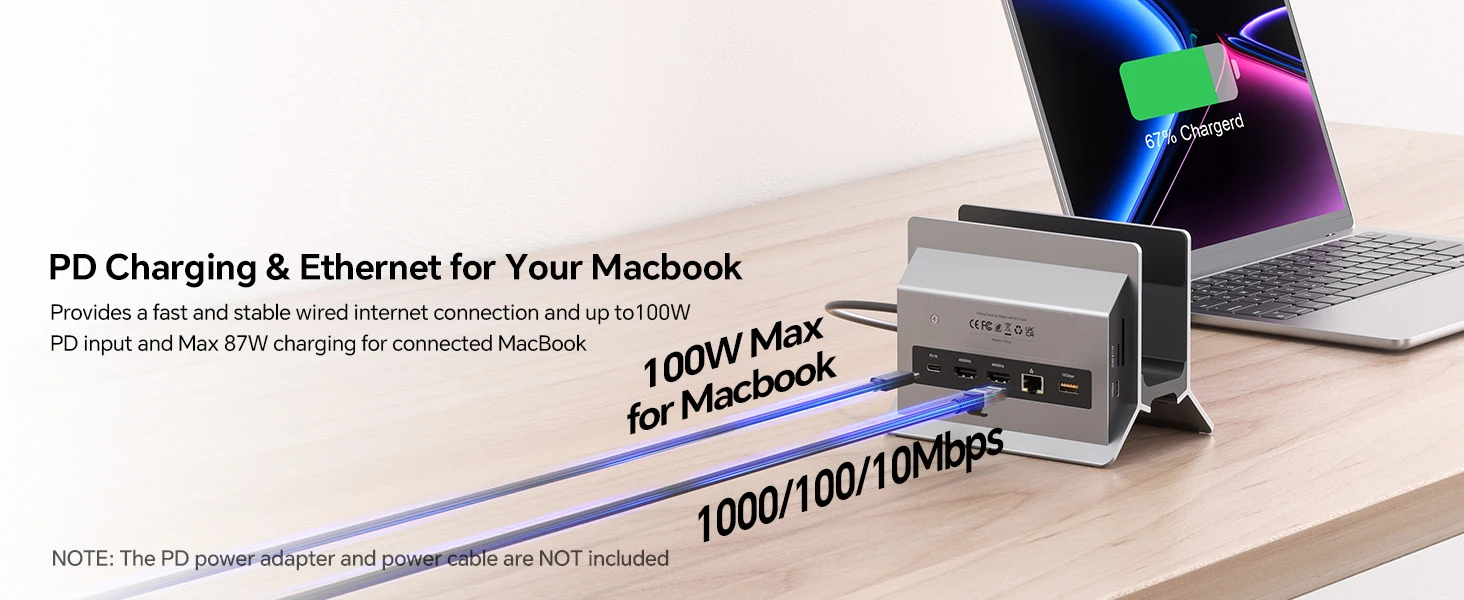
Both a laptop stand and a macbook dock, say goodbye to connectivity issues and keep your workspace organized. Featuring 3 USB A/C ports deliver up to 10Gb/s transfer speed, an SD/micro SD card slot, and an audio port to provide more connectivity options, allowing you to connect all peripherals and storage devices without any hassle. This mac docking station dual monitor also provides a fast and stable wired internet connection and up to 100W power input (PD3.0), and offers max 87W power charging for your connected MacBook. ★NOTE: ALL USB C data ports ONLY support data transfer, DO NOT support video & charging




Reviews
There are no reviews yet.